Counter orders
Give staff one place to take and review orders at the counter. Each order is logged with items, notes and timestamps so nothing is missed during peak hours.
For UK restaurants, takeaways & cafés
Keep daily service moving with POS software for restaurants, takeaways and cafés. Take orders at the counter and organise the work your team needs to do next.
Book a free demo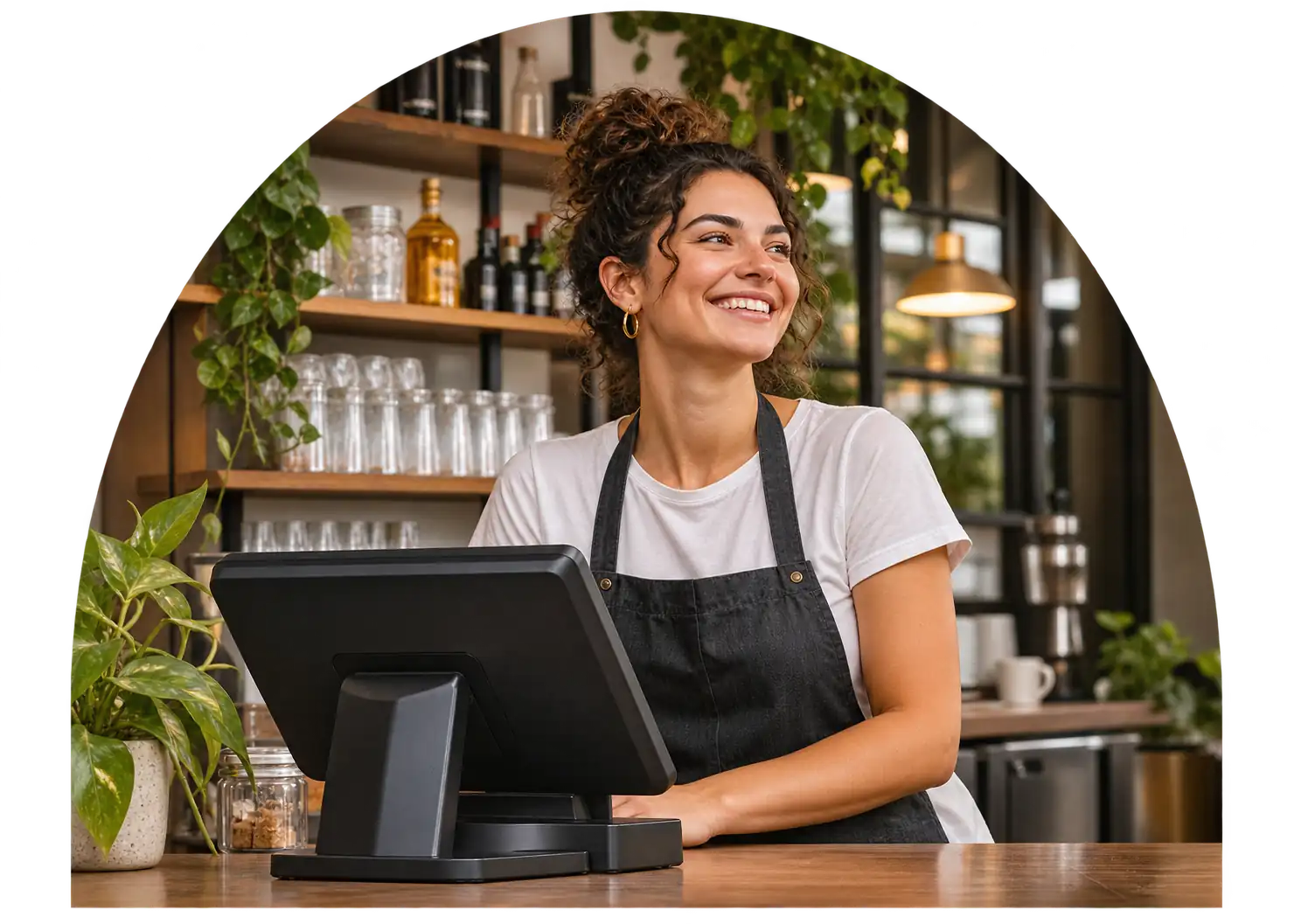
Keep orders organised through a busy shift. OrderZone POS gives your team a single screen to manage what is happening across the counter, collection and delivery channels you use.
Give staff one place to take and review orders at the counter. Each order is logged with items, notes and timestamps so nothing is missed during peak hours.
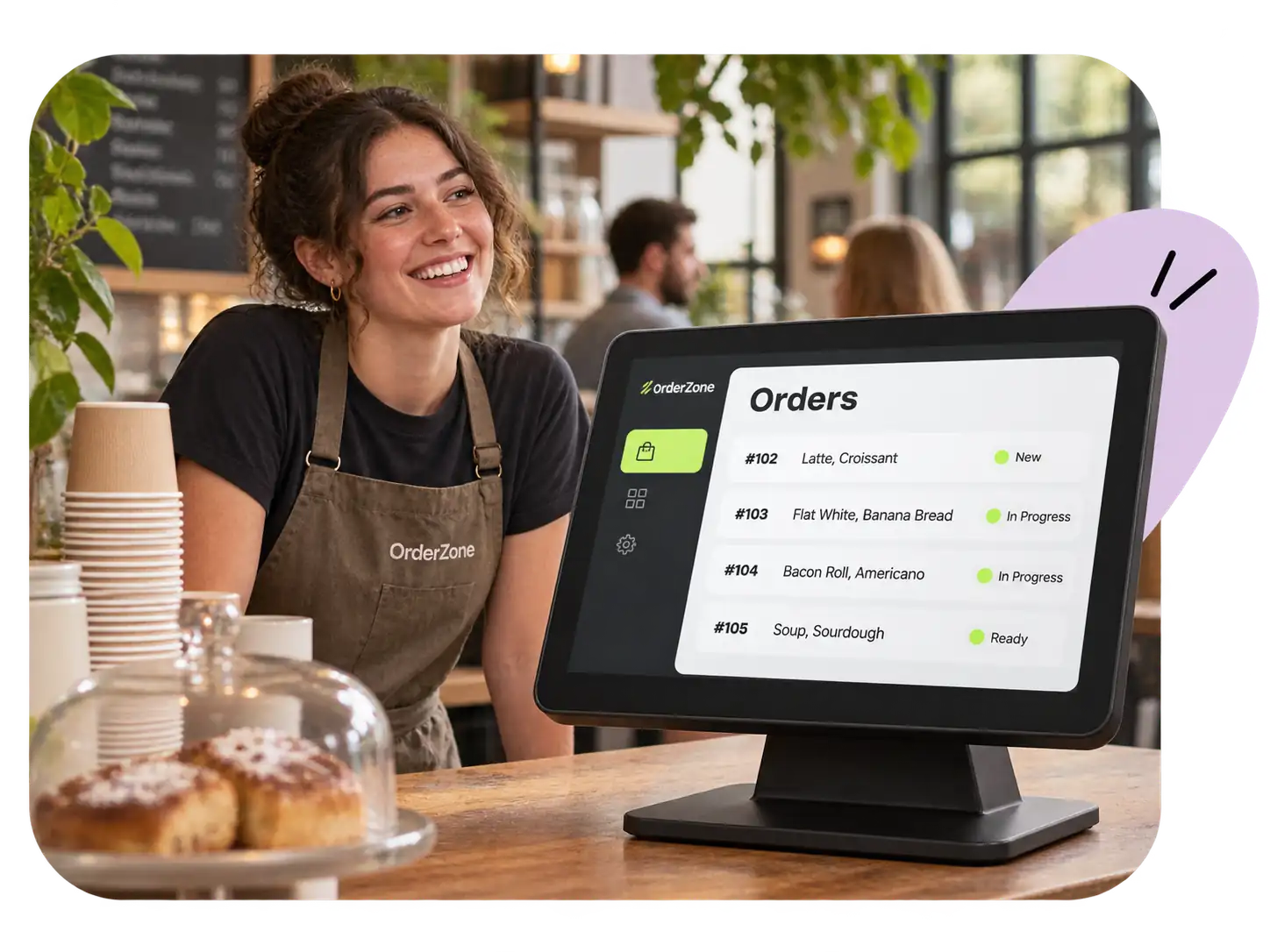
Help your team see what is being prepared and what is ready. Orders move through stages so front-of-house and kitchen stay aligned without shouting across the pass.
Ask about connecting delivery orders from Uber Eats, Deliveroo and Just Eat, or taking direct Click & Collect orders from your own online menu with 0% OrderZone commission.
OrderZone POS is software only. That means you can run it on compatible tablets and devices you already own. During your free demo we check whether your current hardware is compatible, so there are no surprises.
No proprietary hardware lock-in. Use devices you already have if they meet the compatibility requirements we check during setup.
Start with counter orders and add delivery integrations or Click & Collect when your business is ready. Your POS grows with you.
Our support team understands UK hospitality. Reach us by WhatsApp, email or through the support portal when you need help.
Every OrderZone POS subscription includes the core tools you need to take and track orders during service.
Add items from your digital menu, apply modifiers and send orders to the kitchen display or printer.
See all active orders in one view. Filter by status, channel or time to keep your team focused on what needs preparing next.
Review order totals, item counts and revenue summaries at the end of each service to understand how your day went.
Update menu items, prices, descriptions and availability from the POS dashboard. Changes take effect across your connected ordering channels.
OrderZone supplies software only. We do not sell tablets, printers or other hardware. During your free demo we check whether your existing devices are compatible with OrderZone POS.
Yes. The optional delivery integration brings orders from Uber Eats, Deliveroo and Just Eat into your POS alongside counter and collection orders. Delivery platforms continue to charge their own fees.
OrderZone POS runs on compatible tablets and devices. We check your current equipment during the free demo and let you know whether anything needs updating.
Most venues are live within a few days of their demo. We help you configure your menu, connect your channels and make sure your team is comfortable before you start taking orders.
Your quote will confirm the billing period, any setup fees and the terms before you commit. Ask us about contract length during your demo.
If you operate more than one restaurant, takeaway or cafe, ask us about multi-venue options. We can tailor your setup to cover several locations.
Book a free demo and we will walk you through the POS, check your devices and discuss pricing for your venue.
Book a free demo