
Scan and order
Guests scan the code with their phone camera. Your menu opens in their browser, ready to browse and order.
For UK restaurants, takeaways & cafés
Let guests scan a QR code at their table and order from their phone. No app to download. Orders go straight to your POS.
Book a free demo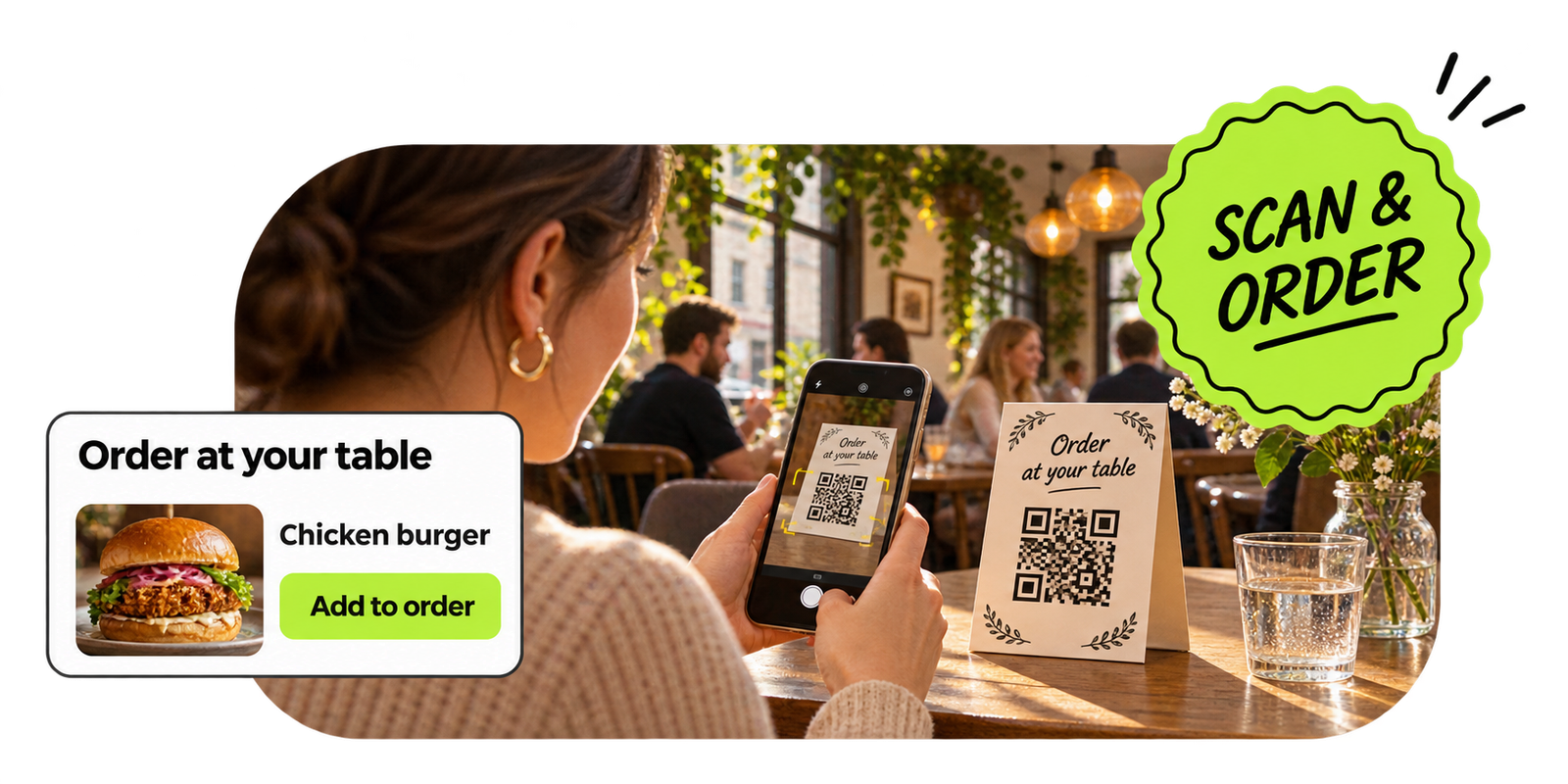
Guests can browse your menu and place an order from their phone. Your team sees table orders alongside counter and delivery orders in the POS.
Guests scan the code with their phone camera. Your menu opens in their browser, ready to browse and order.
Table orders appear in the OrderZone POS queue, so your kitchen can see everything in one place.
Guests can order when they are ready, even while staff are serving other tables.
Use a code for each table or one code for the venue. Guests scan, browse, order and pay from their phone.
We generate printable codes for table tents, stickers or cards. Choose a code per table or ask guests to enter a table number.
Your menu opens in their browser with descriptions, prices and the dietary information you have added.
The confirmed order appears in OrderZone POS with the table number attached, ready for your kitchen.
Give your team more time with guests by reducing the time they spend taking and entering orders.
Guests can place orders while your team is busy serving other tables.
Photos, descriptions and relevant add-ons help guests explore more of your menu.
Guests enter their own selections, so special requests and dietary notes reach the kitchen clearly.
Their phone camera recognises the QR code and opens your menu in a browser. No app download is needed. The guest browses, selects items and places their order. It arrives in your POS tagged with their table number.
No. The QR code opens a web page. Guests use the browser already on their phone. It works on both iPhone and Android.
Yes. Menu changes made in your OrderZone dashboard take effect immediately. If you run out of an item mid-service, mark it as unavailable and guests will not see it.
Absolutely. QR ordering is an additional channel, not a replacement. Guests who prefer to order from a waiter can still do so.
QR table ordering is an add-on for OrderZone POS. Orders appear in the same queue as your counter and delivery orders.
Yes. You can use a single QR code where guests enter their table number, or a unique code per table. We discuss the best approach for your layout during setup.
Payment options depend on your setup. We discuss available payment flows during your demo so you can choose what works for your venue.
Book a free demo to see how table ordering works, how we set up your QR codes and what guests see when they scan.
Book a free demo